


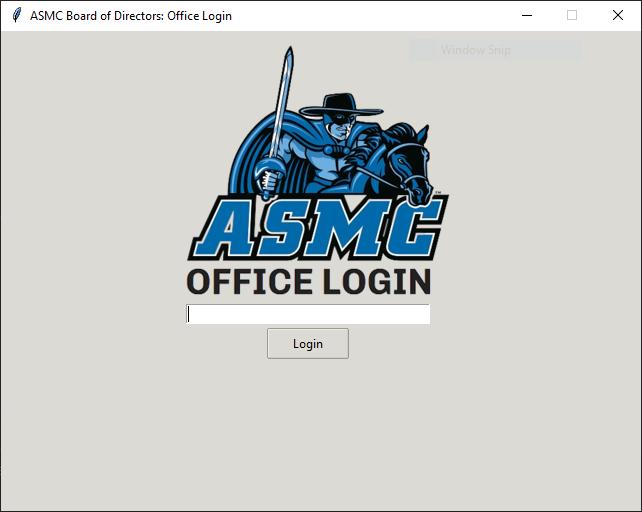
Above is the GUI for users to input their username and then a prompt for password
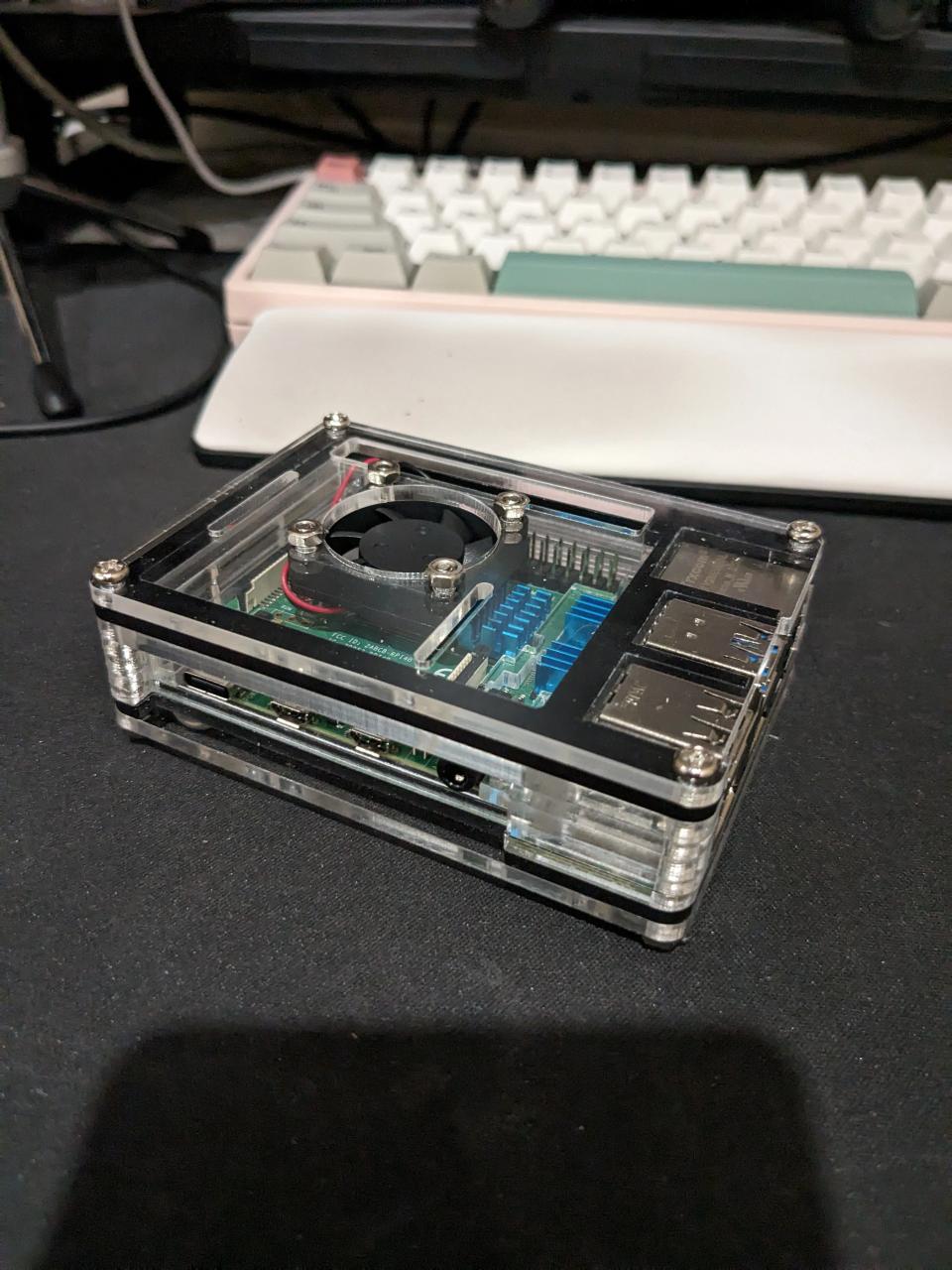
Raspberry PI OS
Used raspberry pi to host program
Backend Code
import datetime, os, sys
from functions.clockFunctions import *
from functions.fileFunctions import *
from functions.GUI import *

# Change path if files are moved
main_directory = os.path.dirname(__file__)
ID_path = main_directory + "/ID.txt"
logs_path = main_directory + "/logs"
current_datetime = datetime.datetime.now()
formatted_date = current_datetime.strftime("%m-%d-%Y")

def main():
    root.geometry("250x150+300+300")
    root.resizable(False, False)
    id_name_title_pairs = fileOpen()

    def on_login(id_input):
        if not id_name_title_pairs:
            return

        search_id = int(app.text_widget_value())
        app.text_widget.delete("1.0", tk.END)

        if search_id == -1:
            print("Exiting the program.")
            sys.exit()

        for user in id_name_title_pairs:
            if user["ID"] == search_id:
                user["Time"] = datetime.datetime.now().strftime("%H:%M:%S")
                status = idFound(user, user["Name"], user["Role"])
                app.clockWindow(user["Name"], user["Role"], user["ID"], status, formatted_date)

                new_status = update_status(status)
                print(f"Status: {status}")
                created_file_path = fileCreate(logs_path, user["ID"], user["Name"])

                if new_status == "In":
                    print(f"Clock In Time: {user['Time']}")
                    fileWrite(created_file_path, user["Name"], user["Time"], new_status)

                if new_status == "Out":
                    print(f"Clock Out Time: {user['Time']}")
                    print(f"Total Time: {clockTime(created_file_path, user['Time'])}")
                    fileWrite(created_file_path, user["Name"], user["Time"], new_status)
                found = True


    def update_status(new_status):
        print(f"Updated status in main.py: {new_status}")
        return new_status

    app = Window(on_login, update_status)
    root.mainloop()

if __name__ == "__main__":
    main()